
Spinning up a Marimo Notebook
An open source reactive notebook
Shelley handles the setup.
Prefer a terminal?
curl -fsSL https://exe-staging.dev/deploy/marimo/prompt.txt | ssh exe.dev new --prompt=/dev/stdintl;dr: ssh exe.dev new --image=ghcr.io/marimo-team/marimo:latest-sql
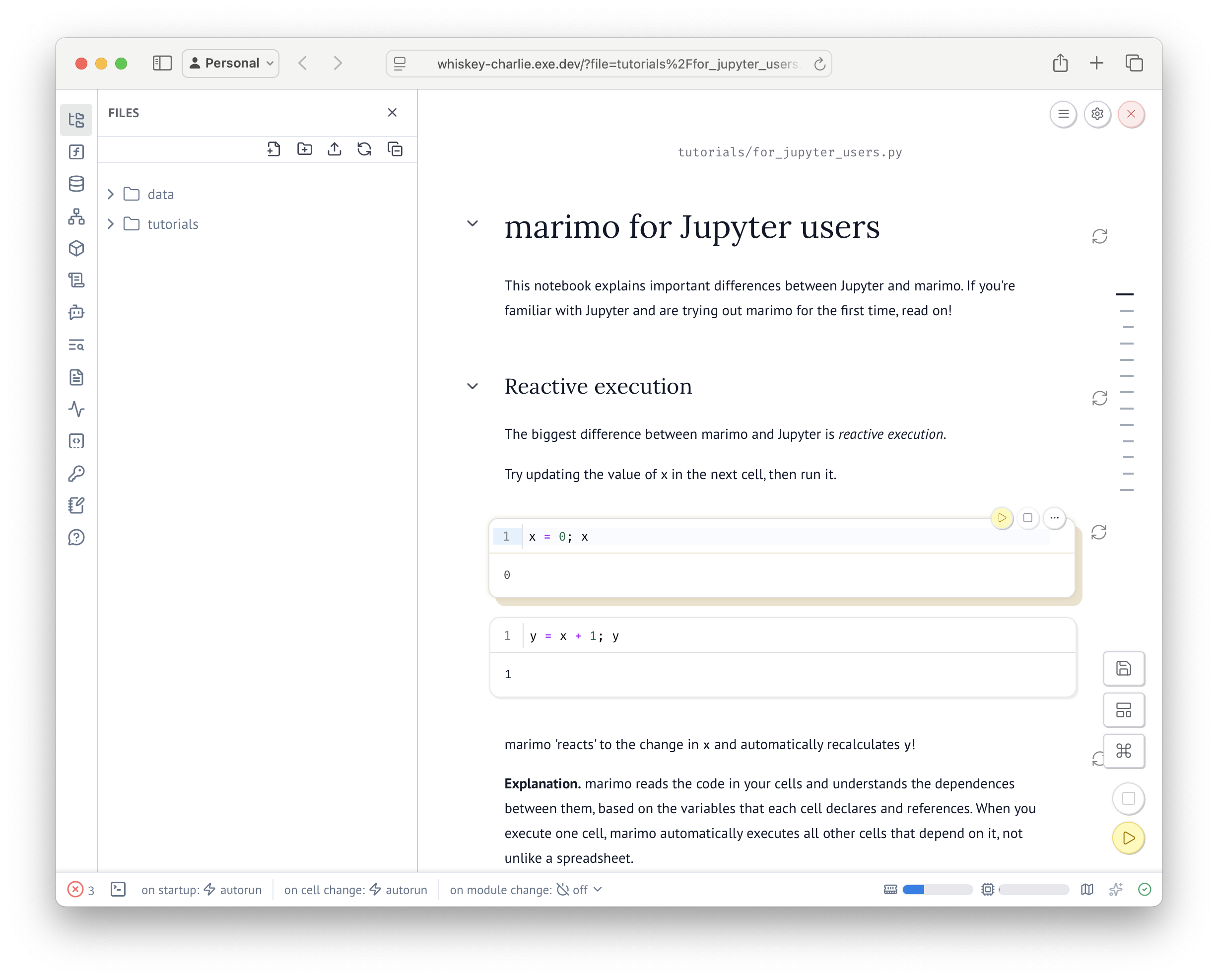
Marimo is a reactive Python notebook. To run it on exe.dev, register
for exe.dev with ssh exe.dev, and then run
ssh exe.dev new --image=ghcr.io/marimo-team/marimo:latest-sql in your terminal.
It'll look like so:
$ ssh exe.dev new --image=ghcr.io/marimo-team/marimo:latest-sql
Creating nan-tango using image marimo-team/marimo:latest-sql...

App (HTTPS proxy → :8080)
https://nan-tango.exe.xyz

SSH
ssh nan-tango.exe.xyz
Finally, follow the https://vmname.exe.xyz/ provided. You're all set.
When you're done, ssh exe.dev rm <vm-name> to clean up.
What you get#
- Marimo, a reactive Python notebook, with SQL support
- The notebook at
https://my-marimo.exe.xyz/
What's running, and where
https://my-marimo.exe.xyz/
your notebook
ghcr.io/marimo-team/marimo:latest-sql, as the VM's image
Deploy with Shelley#
Click Deploy and Shelley will set up marimo on a new VM, then check that it works. No config-file wrangling required.
Prefer a terminal?
curl -fsSL \
  https://exe-staging.dev/deploy/marimo/prompt.txt \
  | ssh exe.dev new --prompt=/dev/stdin
What Shelley is told
Set up marimo on this VM by following the exe.dev recipe at https://exe-staging.dev/deploy/marimo.md from top to bottom.

The recipe's example VM name is my-marimo. This VM's name is the output of `hostname`: use it wherever the recipe writes my-marimo. Skip the step that creates the VM; you are on it.

You are done when all of these are true. Check each one yourself:
- Marimo, a reactive Python notebook, with SQL support
- The notebook at `https://my-marimo.exe.xyz/`

This VM was not created from marimo's image, so run marimo here
instead: install it with uv, with its SQL extras, and serve `marimo edit`
headless on port 8000 under a systemd service in ~/notebooks, so that
https://<vm>.exe.xyz/ opens it. exe.dev's proxy already requires login.

Finish with the URLs I should open.
Also at /deploy/marimo/prompt.txt. The recipe it follows is /deploy/marimo.md.
Updated Oct 17, 2026 · Markdown · manifest.json · Something wrong? Tell us